

1 yr. ago
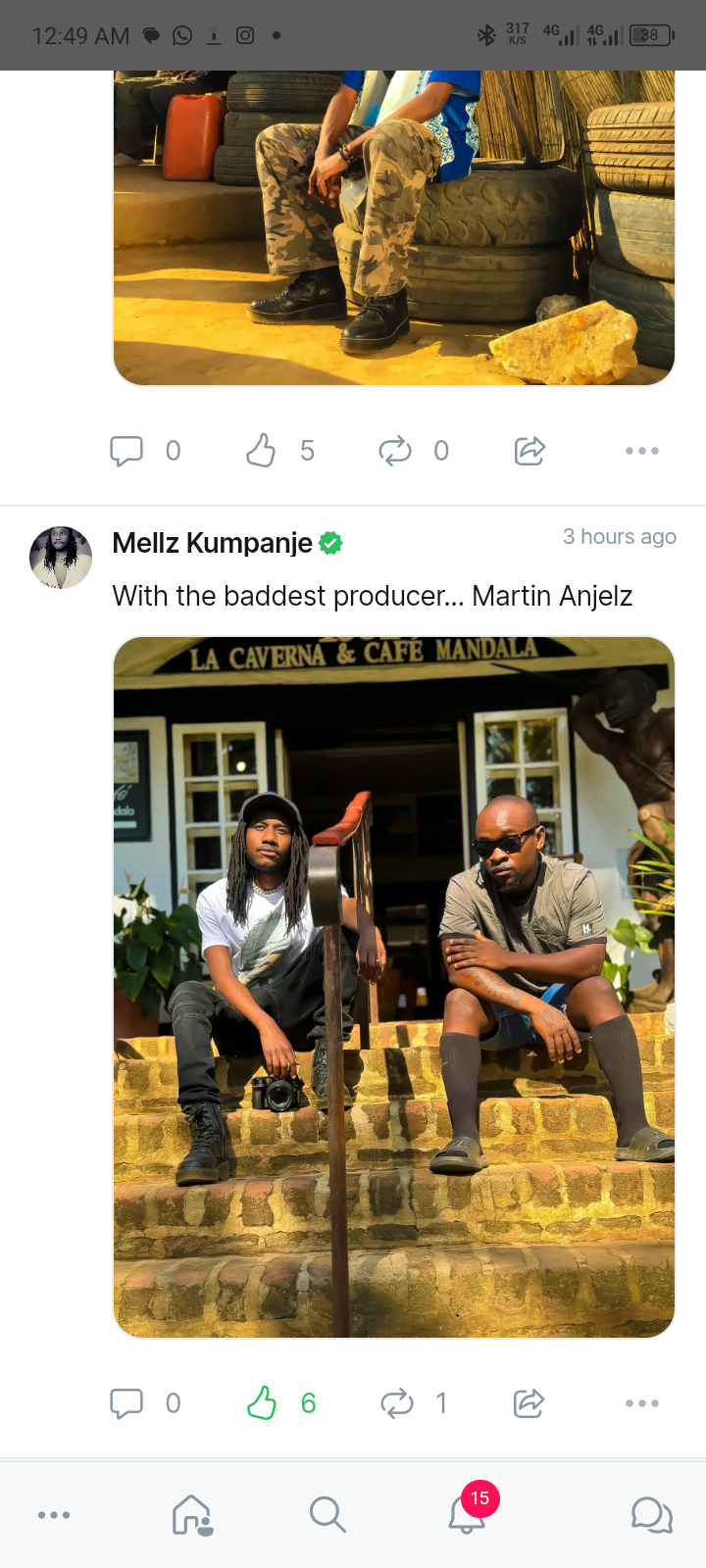
This is how we reply to a post on Pampanje.
1. Select the post you wish to comment under.
2. Click the reply icon and a reply box with popup where you'll be replying to the post.
3. After commenting / liking or sharing feel free to explore again
Pampanje - Where Malawi Connects!
Below is an illustration of how we commented under @mellzkumpanje 😊
1. Select the post you wish to comment under.
2. Click the reply icon and a reply box with popup where you'll be replying to the post.
3. After commenting / liking or sharing feel free to explore again
Pampanje - Where Malawi Connects!
Below is an illustration of how we commented under @mellzkumpanje 😊